Simple Pricing for GRC Professionals

All tools are fully functional for free. Upgrade to save, export, print, and track your work over time.

Monthly Annual
Free
$0
Always free, no credit card required
  • Access to all tools
  • Full scoring & gap analysis
  • On-screen summary & priority report
  • All framework references & guidance
  • Data stays in your browser, never transmitted
  • No account required
  • Dark & light mode
Start for Free
Consultant: Multi-client
$499/yr
$41.58/month equivalent · save 34% annually
  • Everything in Pro
  • OrganizationsA separate, isolated folder for each client (Chrome or Edge)
  • One-click client switchingEvery tool locks onto the active client's systems, so details never cross over
  • Custom report brandingPut your firm logo and each client's logo on report cover pages and letterheads
  • Undeletable Enterprise defaultOrg-wide records that stay put as you add client systems

Unsatisfied? Contact us within 7 days of purchase for a full refund · Subscriptions managed via LemonSqueezy · Cancel anytime

The Pro & Consultant Advantage

See your whole program in one place

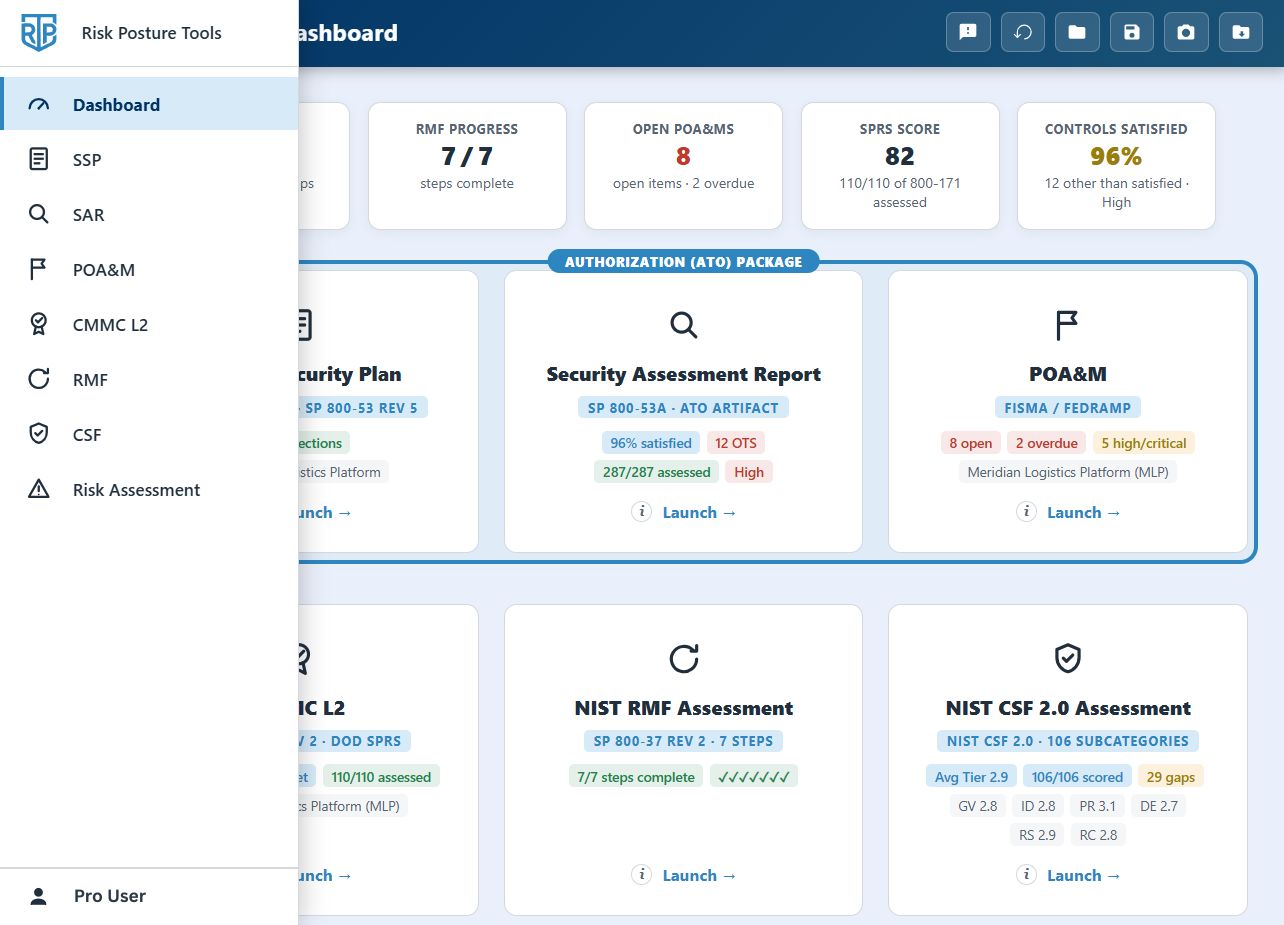
The dashboard rolls up all tools live: CSF maturity, SPRS score, open POA&Ms, control satisfaction, and your full Authorization Package (SSP + SAR + POA&M). The signed-in experience also adds quick navigation between tools and step-by-step progress. Included with Pro and Consultant.
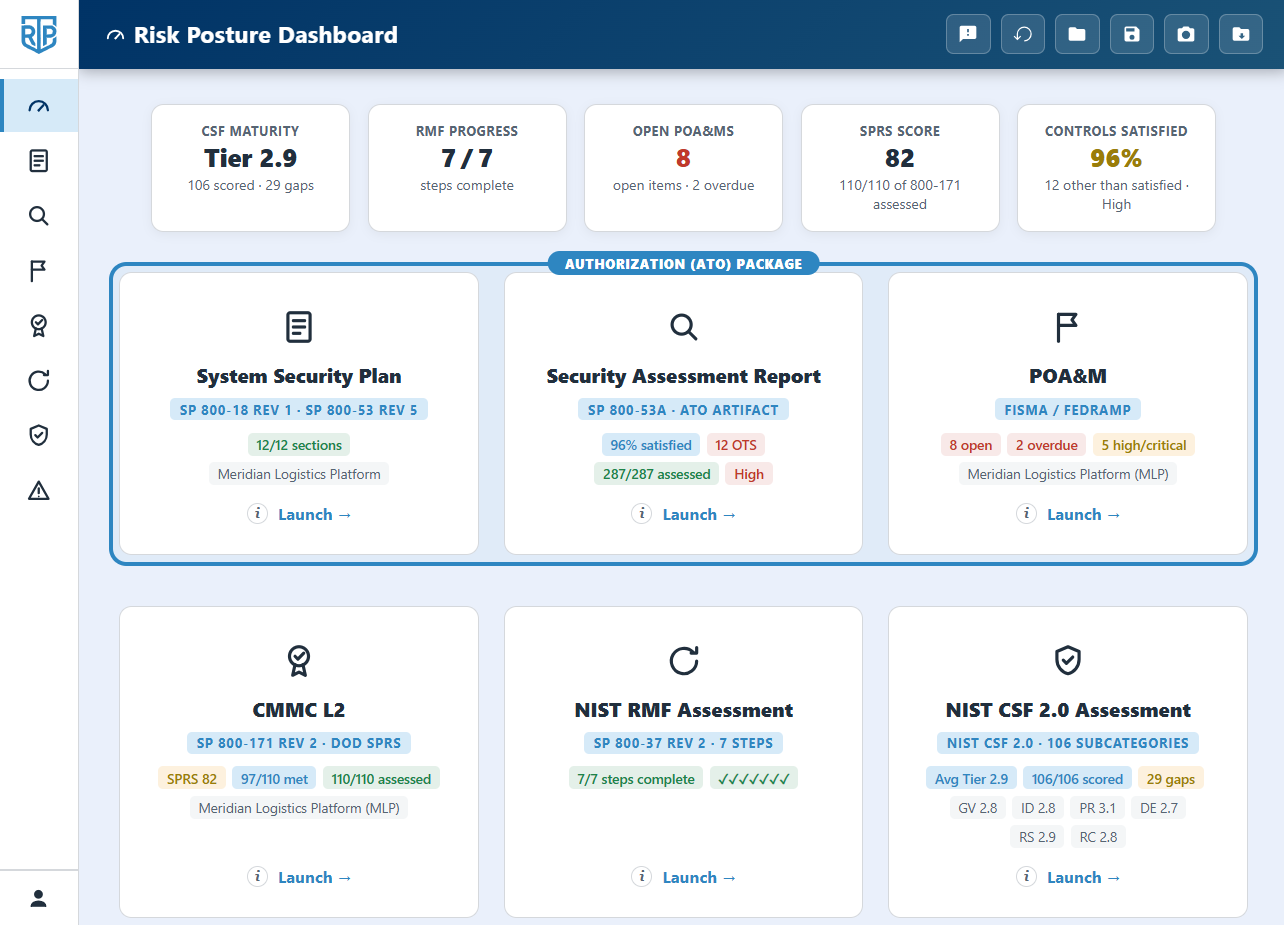
Risk Posture Tools Pro dashboard rolling up live metrics across all NIST assessment tools

Full Feature Comparison

Feature Free Pro Consultant
Assessment Tools
NIST RMF Assessment (all 7 steps)
System Security Plan (SP 800-53 narratives)
Security Assessment Report (SP 800-53A)
POA&M Tracker (FISMA / FedRAMP)
NIST CSF 2.0 Assessment (all 106 subcategories)
CMMC L2 Self-Assessment (SPRS score)
Risk Register (SP 800-37 / SP 800-39)
Risk Assessment (SP 800-30)
Future tools as they ship
Data & Privacy
Data stays in your browser, unless you export it (Pro, Consultant)
Import saved JSON snapshots
Save work as an importable JSON
Export to CSV
Folder-based file management (Chromium browsers)
Reporting
On-screen summary & gap analysis
Printed reports
Per-tool trend analysis (CSF, Risk, CMMC, SAR)
Progress-over-time dashboard (all tools)
Authorization Package (combined report)
Workflow & Experience
Streamlined cross-tool navigation & progress tracking
Send feedback & help shape the roadmap
Account & Sign-in
Use your subscription on up to 3 devices at once
Optional email-code verification on new devices
Multi-Client (Chrome or Edge)
Manage multiple client organizations
Separate, isolated folder per client
One-click switching between clients
Tools lock onto the active client's systems
Custom report branding (your firm and client logos)

Frequently Asked Questions

Do I need to create an account?
No. After purchasing, you sign in using the email address you used for your subscription. There's no account creation, no password, and no profile to manage. Just enter your email in any tool to unlock Pro features.
Can I use my subscription on more than one device?
Yes. Your Pro subscription works on up to three devices at once (for example a desktop, a laptop, and a home machine). Signing in on a fourth device automatically signs out the one you've used least recently, so you're never locked out, and you can review or sign out devices anytime from Your Devices in the account menu. For extra protection, you can optionally require a one-time code, emailed to you, whenever a new device signs in.
Are the tools really free to use?
Yes. All tools are fully functional at no cost. Scoring, gap analysis, maturity calculations, and all on-screen views work without a subscription. Pro adds the ability to save your work as a file, import previous sessions, export to CSV, and generate print/PDF reports.
What's the difference between Pro and Consultant?
Pro unlocks saving, import/export, print/PDF reports, trend tracking, the progress dashboard, and a single-organization System Hub (one org's systems, personnel, and defaults in one place). Consultant adds everything in Pro plus multiple client organizations: an isolated folder per client and one-click switching, so each client's systems and files stay separate, plus custom report branding (your firm and client logos on report cover pages). It's built for consultants and teams managing several clients, and the multi-client features need a Chromium browser (Chrome or Edge).
Is my assessment data secure?
Your assessment content is processed entirely in your browser and never leaves your machine. The tools contact our server only to verify your subscription (sending just your email address) and, where enabled, to record anonymous, content-free usage analytics. No assessment content is ever transmitted. Your work is saved in this browser and persists between visits until you clear your browser data; Pro users can export a JSON snapshot to back it up or move it to another device.
Do my saved assessments sync between devices?
Your subscription is tied to your email address, so you can sign in on any device by entering your purchase email. Since data is stored in the browser, your saved assessments won't sync automatically, but you can export a JSON snapshot on one device and import it on another.
What happens if I cancel?
You retain Pro access through the end of your current billing period. After that, your tools return to Free tier. All assessment functionality remains available, you just won't be able to save new exports, import previous snapshots, or print reports.
Is there a refund policy?
If you're unsatisfied with your Pro subscription, contact us within 7 days of your purchase date and we'll issue a full refund. Refunds are available once per customer; subsequent purchases after a prior refund are not eligible. Contact us through LemonSqueezy, the platform handling our subscriptions.
Will you add more tools?
Yes, additional framework tools are planned. Pro subscribers automatically get access to every new tool as it ships, at no additional cost.